
38 symbols · one click each
Line Symbols
Line symbols are the plain-text characters used to draw rules, columns, boxes and diagrams. The Box Drawing block (U+2500–U+257F) supplies light, heavy and double horizontals and verticals, plus the corners, tees and crosses that join them without gaps in a monospaced font.
Click any tile to copy. Each symbol’s name links to its full codes and typing page in the table below.
Horizontal line symbols
13 symbols
Solid, dashed and double horizontals for rules, dividers, table edges and CJK overlines.
Vertical line symbols
9 symbols
Solid, dashed and double verticals for columns, borders, separators and terminal layouts.
Corners and junctions
13 symbols
Light corners, tees and crosses, plus double corner forms, for boxes, tables and diagrams.
Diagonal line symbols
3 symbols
Forward and back diagonals plus a diagonal cross for hatching, shading and line art.
Codes for lines & box-drawing symbols
Every symbol in this category with its Unicode code point and a recommended HTML value. Click the glyph or any chip to copy it.
HTML values are named entities where a common one exists, otherwise decimal numeric references that work in any HTML document.
Using lines & box-drawing symbols
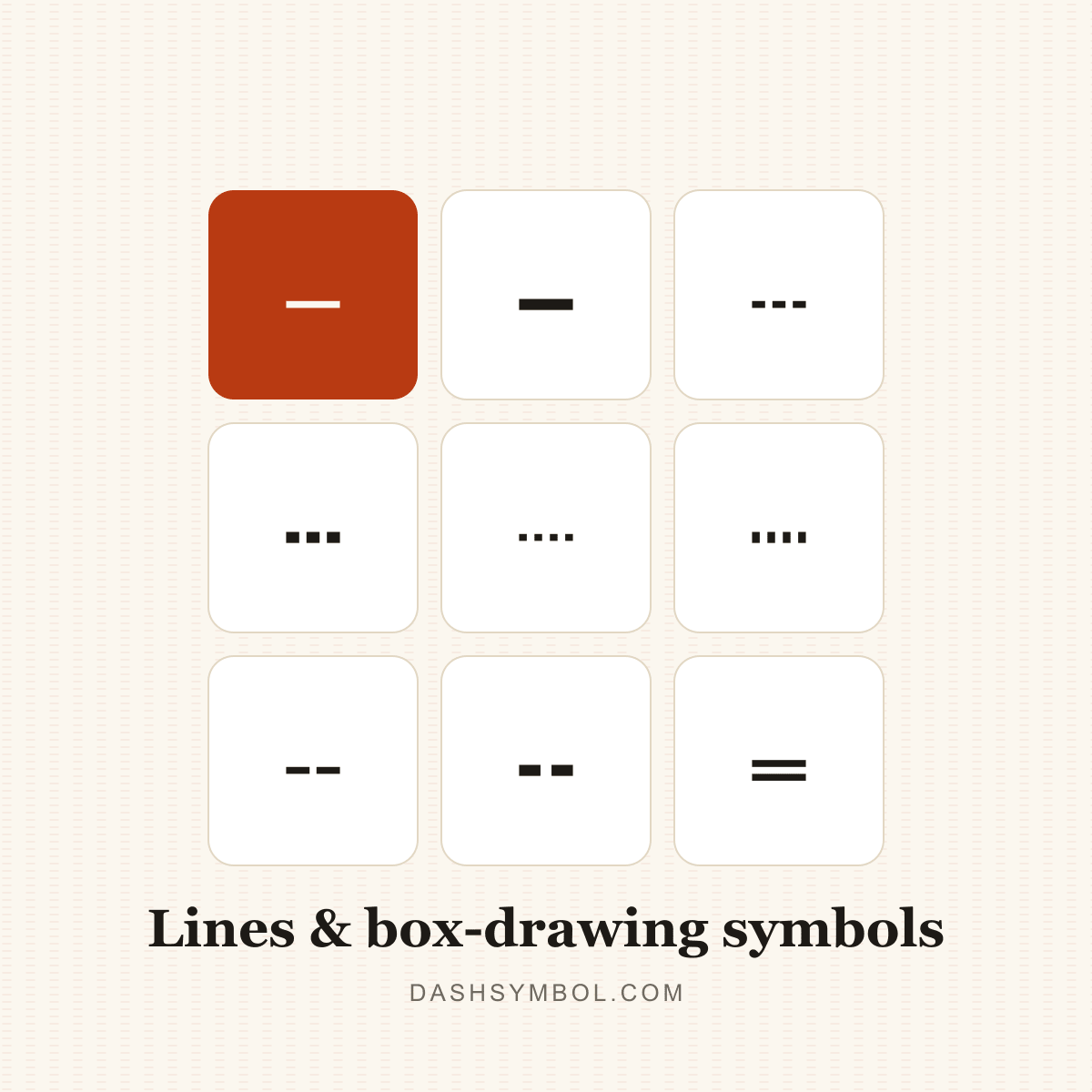
This category collects 38 characters across four jobs: horizontal rules (─, ━, ═ and dashed variants), vertical columns (│, ┃, ║ and dashed variants), corners and junctions (┌, ┐, └, ┘, ├, ┤, ┬, ┴, ┼ and double corners), and diagonals (╱, ╲, ╳).
Because the box-drawing set is designed on a fixed cell grid, joins depend on a monospaced font and consistent line height. Proportional fonts, font fallback and extra CSS line spacing can make corners drift; keep diagrams in a monospaced block.
Use line symbols for plain-text dividers, README diagrams, terminal output and table sketches. For a rule of a specific length, the dash line generator repeats the character for you; for web layout, CSS borders are more reliable.
Choose by job: repeated ─ or ━ makes a divider, a corner plus straight lines builds a box, and ╱, ╲ and ╳ add hatching. Keep the whole diagram in one monospaced block so the corners and joins stay aligned.
For a vertical separator between labels, use │; for a heavier section rule, use ━; for a double line, use ═ or ║. The dash line generator repeats any of these to an exact length.
- Click a tile to copy the symbol; the “Copied!” badge confirms it is on your clipboard.
- Open a symbol’s page for its Unicode name, HTML entity, CSS and JavaScript escapes, UTF-8 bytes and keyboard routes.
- Use the dash converter when you need to replace hyphens across a whole text.
- Use the dash line generator when you want a divider or a repeated line at an exact length.
Need the wider picture? Read the hyphen vs dash guide, the em dash vs en dash guide, or how to type a dash. For sentence-level patterns, see the em dash examples.
Related dash categories
Lines & boxes questions
What are line symbols?
Line symbols are Unicode characters that draw straight lines, boxes and junctions in plain text. They include horizontal and vertical rules, dashed lines, corners, tees and diagonals, and they work best in a monospaced font.
What are box-drawing characters?
Box-drawing characters are Unicode symbols for drawing lines, boxes and junctions in plain text. The Box Drawing block includes light, heavy and double lines plus corners and tees that connect seamlessly in a monospaced font.
How do I copy a vertical line symbol?
The basic vertical bar is │ (U+2502). Copy it from the vertical line symbols section, or open its symbol page for the HTML entity, CSS escape and keyboard options. The heavier ┃ and double ║ are separate characters.
Why do my line symbols not line up?
They are designed for a monospaced font with a consistent line height. Proportional fonts, font fallback and extra line spacing make the joins drift. Put them in a monospaced block and keep the surrounding markup simple.
What is the difference between ─ and ═?
─ (U+2500) is a single light horizontal line. ═ (U+2550) is a double horizontal line. They are separate characters, and each has matching corners and junctions in the Box Drawing block.
How do I make a long horizontal line?
Copy a line character and repeat it, or use the dash line generator on this site to set the character and length and copy the result in one click.
What are corner and junction characters?
Corners such as ┌, ┐, └ and ┘ turn a horizontal line into a vertical one. Junctions such as ├, ┤, ┬, ┴ and ┼ join lines inside a table or box. They are separate characters with matching light or double strokes.
Are line symbols the same as dashes?
No. A dash is punctuation used inside a sentence, while a line symbol is a box-drawing or rule character used to draw shapes and dividers. The hyphen, en dash and em dash belong to the dash family, not the Box Drawing block.