Dash symbol
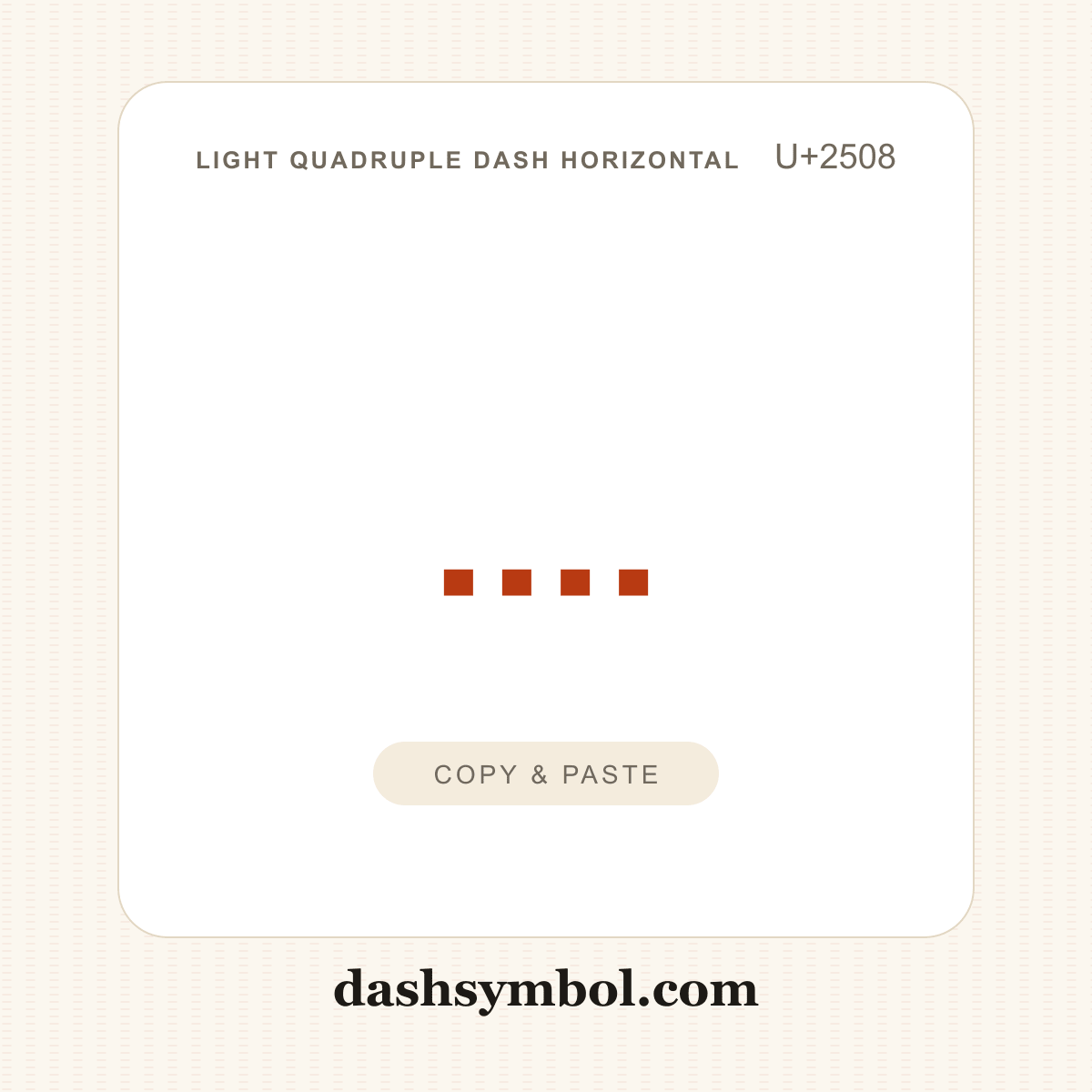
Light Quadruple Dash Horizontal
BOX DRAWINGS LIGHT QUADRUPLE DASH HORIZONTAL · U+2508
Also known as quadruple dash horizontal, light quadruple dash
The light quadruple dash horizontal is a fine dashed box-drawing line. The four short dashes per cell create a denser, lighter dashed rule than ┄. Click the tile to copy ┈, then paste it anywhere with Ctrl+V (Windows), Cmd+V (Mac) or a long-press → Paste on a phone.
Light Quadruple Dash Horizontal codes
Every common way to reference the light quadruple dash horizontal (┈) in text, HTML, CSS and code. Click the character or any chip to copy it.
| Format | Code | Used in |
|---|---|---|
| Character | Copy once, paste anywhere | |
| Unicode code point | The character’s official ID in the Unicode standard | |
| HTML entity | Web pages and HTML source; named entity where a common one exists, otherwise numeric | |
| HTML hex | Hexadecimal numeric character reference | |
| CSS | Generated content in a stylesheet | |
| JavaScript | String literals in JavaScript and JSON | |
| Python | String literals in Python 3 | |
| UTF-8 bytes | Byte sequence used when the character is stored as UTF-8 | |
| URL encoding | Percent-encoded form for a query string or path | |
| Windows Alt code | — | No standard Windows-1252 Alt code — use Alt+X in Word (see below) |
| Word Alt+X | Type the hex value in Word, then press Alt+X |
How to type ┈
┈ is not printed on most keyboards, but every device has a way in. Pick your platform:
Windows
- In Microsoft Word, type the hexadecimal code point — 2508 for ┈.
- Press Alt+X: the code converts into the character in place.
Tip: ┈ has no standard Windows-1252 Alt code. Use Word Alt+X, the character viewer or copy the character straight from this page — the fastest route of all.
Mac
- Press Control+Command+Space to open the Character Viewer.
- Search for “box drawings light quadruple dash horizontal” and double-click the character to insert it.
Tip: The Character Viewer works for every Unicode character. For everyday use, copying from this page is faster than searching the viewer.
Linux
- On many Linux desktops (GTK/IBus), press Ctrl+Shift+U and release the keys — an underlined “u” appears.
- Type the hexadecimal code point 2508, then press Enter. The character is inserted where the cursor is.
Tip: The shortcut depends on your input method and desktop environment. If it does not work, use your distribution’s character map or copy the dash from this page.
iPhone & Android
- Tap the 123 or ?123 key on your phone keyboard to open the symbols layer.
- Look for the dash in the punctuation rows, press and hold the hyphen key where your keyboard offers dash choices, or copy it from this page and paste it into your text.
Tip: If you type the same dash often, add it to your keyboard’s text-replacement list (iOS: Settings → General → Keyboard → Text Replacement; Android: Personal dictionary).
Need the broader picture? Read how to type a dash on any device, or browse all lines & boxes.
Customize ┈
Style the dash your way — pick colors, size and shape, then copy the HTML snippet or download a square PNG/SVG (transparent background supported).
More lines & boxes
Other dash categories