
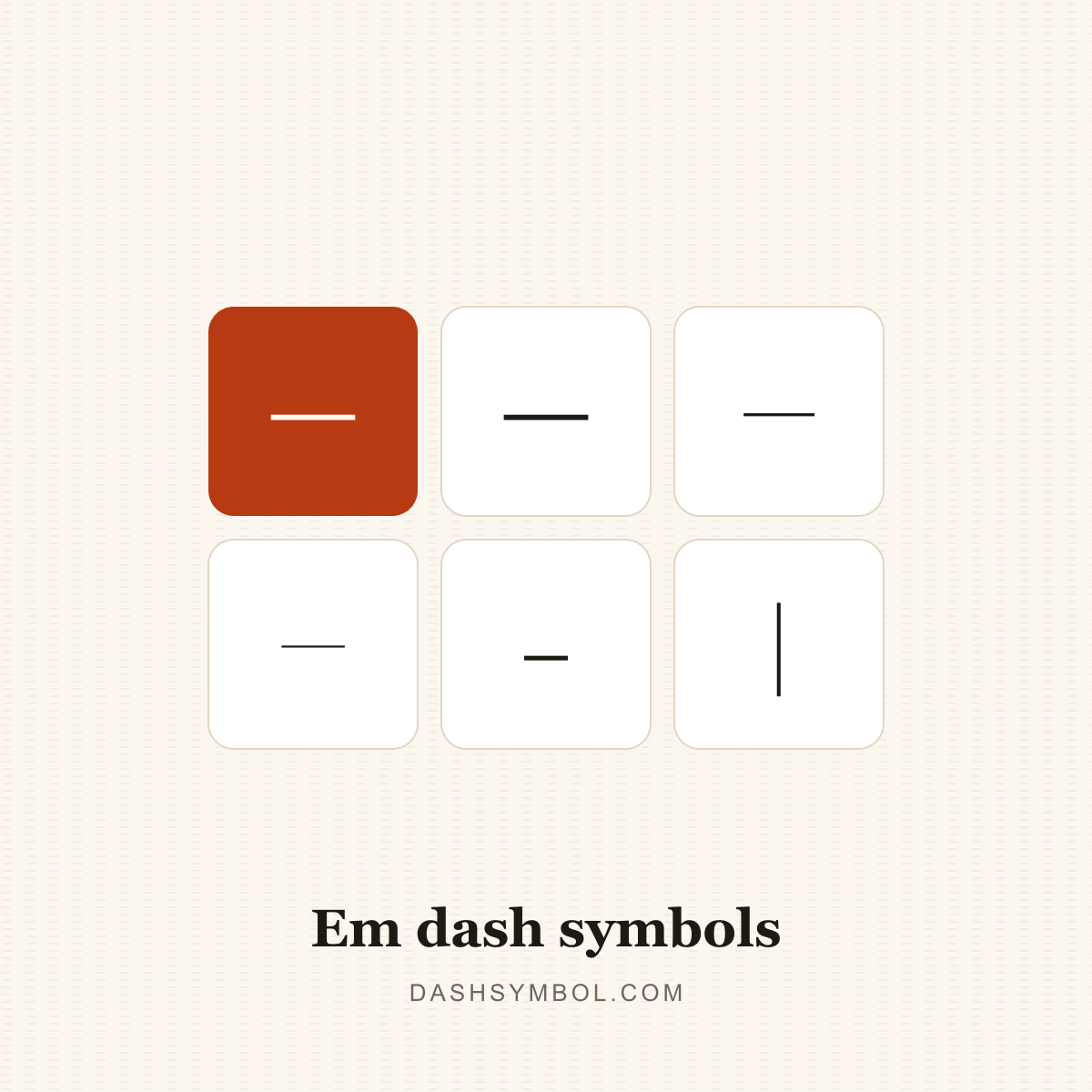
6 symbols · one click each
Em Dash Symbol
The em dash (—, U+2014) is the longest common dash, often called the long dash symbol. It sets off a parenthetical aside, marks an interruption or a change of thought, and can introduce an explanation. In traditional typography its length was one em; many modern fonts draw it slightly narrower.
Copy any symbol
Click a tile to copy. Each symbol’s name links to its full codes and typing page in the table below.
Codes for em dash symbols
Every symbol in this category with its Unicode code point and a recommended HTML value. Click the glyph or any chip to copy it.
| Symbol | Name | Unicode | HTML |
|---|---|---|---|
| Em DashGeneral Punctuation | |||
| Horizontal BarGeneral Punctuation | |||
| Two-Em DashSupplemental Punctuation | |||
| Three-Em DashSupplemental Punctuation | |||
| Small Em DashSmall Form Variants | |||
| Vertical Em DashCJK Compatibility Forms |
HTML values are named entities where a common one exists, otherwise decimal numeric references that work in any HTML document.
Long dash symbol
The long dash symbol is the em dash (—, U+2014). It is called the long dash because it is the longest dash in ordinary English punctuation; the en dash (–) is shorter and is used for ranges and connections. If you need a single long dash character, this is the one to copy.
The longer forms in this category — the two-em dash (⸺) and three-em dash (⸻) — are print conventions for longer omissions, not everyday substitutes for the em dash. Use the standard em dash for prose and reserve the extended forms for specialist typesetting.
Using em dash symbols
The em dash is longer than the en dash and much longer than a hyphen. US style often sets it closed up (word—word); some news and British styles put a space on each side (word — word). Both are defensible, but a document should pick one convention and apply it consistently.
Unicode also encodes the horizontal bar (―), often used as a quotation dash, the two-em dash (⸺) and three-em dash (⸻) for long omissions, and small and vertical presentation forms for CJK text. In HTML, — is the named entity; on Windows, Alt+0151; on a US Mac keyboard, Option+Shift+Minus; in Word, type 2014 and press Alt+X.
- Click a tile to copy the symbol; the “Copied!” badge confirms it is on your clipboard.
- Open a symbol’s page for its Unicode name, HTML entity, CSS and JavaScript escapes, UTF-8 bytes and keyboard routes.
- Use the dash converter when you need to replace hyphens across a whole text.
- Use the dash line generator when you want a divider or a repeated line at an exact length.
Need the wider picture? Read the hyphen vs dash guide, the em dash vs en dash guide, or how to type a dash. For sentence-level patterns, see the em dash examples.
Related dash categories
Em dash questions
What is an em dash?
The em dash (—, U+2014) is a long dash used to set off an aside, mark an interruption or introduce an explanation. It is longer than the en dash and much longer than a hyphen.
What is the difference between an em dash and an en dash?
The em dash — is the long dash used for asides and interruptions. The en dash – is shorter and is used for ranges, scores and connections. A hyphen - is shorter still and joins parts of a word.
Do you put spaces around an em dash?
It depends on the style guide. Many US book styles set the em dash closed up (word—word), while some news and British styles use a space on each side (word — word). Choose one convention and keep it consistent within a document.
How do I type an em dash?
Windows: Alt+0151 on the numeric keypad. Mac (US layout): Option+Shift+Minus. Microsoft Word: type 2014 and press Alt+X. HTML: —. On phones, long-press the hyphen key where the keyboard offers a dash choice.
Is it em dash or emdash?
The standard spelling is “em dash”, two words. “Emdash” is a common search spelling and appears in some informal writing; both refer to the same character, — (U+2014). Use the two-word form in published prose.